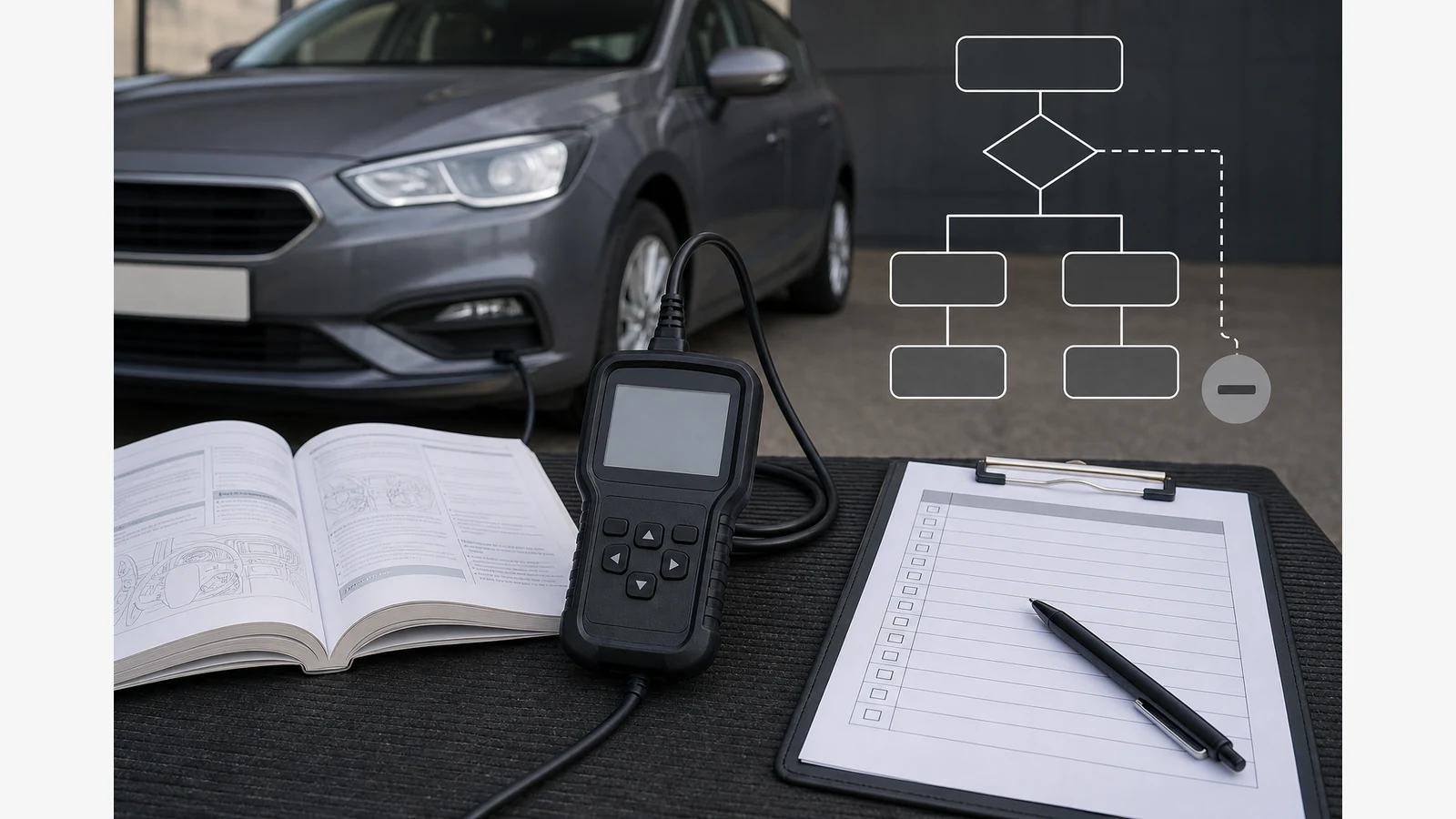
Obd Scanner Says N/A Or Unsupported Explained
When an OBD scanner shows N/A or “not supported”, it usually means the requested monitor, mode or data field is not applicable or not exposed on that vehicle through that request—not that the item passed, failed, or that the tool is automatically broken.
N/A is not a pass
N/A (not applicable / not available) and unsupported messages are boundary markers. Official reader documentation records unsupported or N/A style responses among normal operating messages and warns that available options vary by year, make and model. Do not read a grey unavailable result as a green pass, a confirmed failure, or proof the car will pass an MOT.
Distinguish N/A from other outcomes
| Message or result | Typical meaning | What not to assume |
|---|---|---|
| N/A / not supported | The requested mode, monitor or field is not applicable or not exposed for this vehicle/request. | That the system passed, or that every other tool must show the same field. |
| Incomplete / not ready | A readiness monitor has not finished its enabling criteria since the last clear or relevant event. | That N/A and incomplete are interchangeable words. |
| No codes found | No DTCs were reported in the queried status for that module/mode. | That the vehicle has no mechanical issues or that symptoms are imaginary. |
| Connection failure | Communication did not complete (cable, ignition state, protocol, port or tool issue). | That the function is unsupported, or that the ECU is proven faulty. |
| Missing data field | A specific PID or label is blank or absent while other data appears. | That you should invent a value to fill the gap. |
Confirm vehicle identity and the exact function before blaming the reader
Before concluding the scanner is at fault:
- Confirm year, make, model and fuel type.
- Confirm ignition state and a secure OBD connection per the tool manual.
- Note the exact menu or mode requested (codes, freeze frame, live data, I/M readiness or another service mode).
- Compare the result with the vehicle handbook and the model-specific tool manual.
- Retry only within documented procedures—do not force unsupported tests.
Product descriptions may list standard OBDII/EOBD service modes in general terms; exact availability still varies by vehicle.
When communication problems or warning lamps need professional diagnosis
Escalate instead of repeating random menus when:
- the tool cannot communicate at all after basic connection checks
- a red or flashing warning lamp or serious symptoms are present
- electrical diagnosis beyond a basic scan is required
- manufacturer procedures call for dealer-level modes your consumer reader does not expose
Use pre-purchase compatibility questions that stay honest: ask whether the seller documents OBDII/EOBD engine coverage for your year and fuel type, and read the model manual for N/A and unsupported messaging—without demanding a guarantee for every monitor on every car.
Next step and FAQ
If you are comparing a wired OBDII/EOBD handheld for standard engine code, freeze-frame, live-data and readiness functions where the vehicle supports them, review the Foxwell NT301 OBD2 scanner details and treat the official model manual as the controlling source for messages and cautions. Only a 12-month warranty duration is stated here. Related reading: why two code readers show different fault descriptions and pending, confirmed and permanent OBD codes explained.
Does N/A mean my emissions monitor passed?
No. N/A means not applicable or not available for that request, not a pass result.
Is unsupported always a defective scanner?
No. Many unsupported messages reflect vehicle or mode boundaries. Confirm identity and connection before blaming hardware.
Should I keep forcing the mode until numbers appear?
No. Stay within the vehicle and tool manuals; do not force unsupported tests.
Can an N/A result decide an MOT outcome?
No. Scanner N/A text is not an MOT certificate or a roadworthiness verdict.