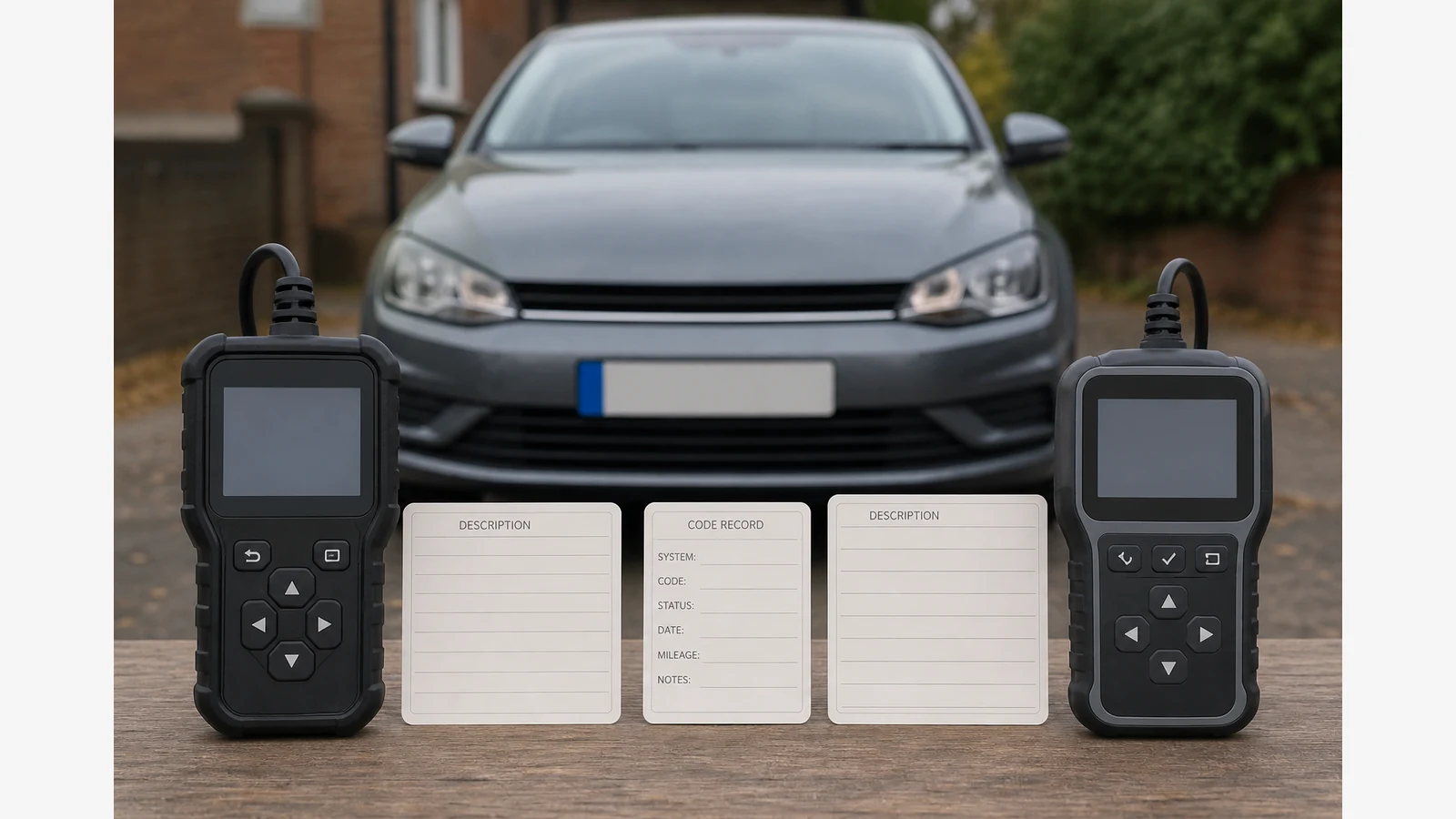
Why Two Code Readers Show Different Fault Descriptions
Two code readers can display the same DTC string while showing different plain-language descriptions. That usually reflects lookup databases, software versions and vehicle context—not proof that one tool “won” or that either wording is a finished parts diagnosis.
Same code string, different lookup wording
The DTC characters are the primary identifier. Short descriptions are secondary text drawn from a tool’s definition library. Libraries differ by publisher, update state and how they summarise manufacturer-specific versus generic ranges. SAE J2012 defines standardised DTCs required from OBD systems and also reserves ranges for manufacturer-specific definitions, which is why syntax and vehicle-specific meaning must stay separate.
- Match the alphanumeric code first.
- Treat differing sentences as a verification task, not a popularity contest.
- Do not average two descriptions into a DIY parts verdict.
Standardised ranges versus manufacturer-specific definitions
Generic OBD definitions cover required standardised codes. Manufacturer-specific codes and wording can sit outside that shared vocabulary. A consumer reader may show a shortened generic gloss for a code that service information describes more precisely for your make. Prefer current manufacturer service information over the most confident-sounding short phrase on either screen.
Confirm both tools captured the same module, status and vehicle identity
Before concluding the tools disagree, check:
- Year, make, model and engine identity entered or detected the same way.
- The same control module or OBD mode was queried.
- Code status labels match (pending, stored/confirmed, permanent or the exact words shown).
- Neither tool is showing a stale playback or an incomplete connection.
Official reader manuals document DTC lookup behaviour and warn that available options vary by vehicle. Unsupported or N/A responses are boundaries, not proof the other tool’s wording is correct.
Record the discrepancy for a garage — do not convert wording into a parts list
Photograph both screens with the shared code card visible in your notes. Write “same code, different description libraries” and stop there. Clearing codes to force agreement can erase freeze frame and still leave permanent records untouched. Escalate when lamp behaviour is serious, when manufacturer definitions conflict with both tools, or when electrical testing is required.
For gathering consistent readouts on supported OBD functions with a wired handheld, review the Foxwell NT301 OBD2 scanner details and use the model manual as the controlling source for menus and messages. Only a 12-month warranty duration is stated here. Related guides: why a fault code does not prove which part failed and OBD scanner N/A or unsupported explained.
Which description should I believe?
Believe the shared code string first, then prefer current manufacturer service information over either short consumer gloss.
Does a longer description mean a better tool?
Not necessarily. Length does not prove accuracy or vehicle-specific correctness.
Should I clear codes so both readers match?
No. Record both wordings first. Clearing removes temporary evidence and does not settle definition libraries.
Can differing descriptions decide an MOT result?
No. Description text is not an MOT certificate or a roadworthiness verdict.